How to Set Up an Apple Watch: A Step-by-Step Guide
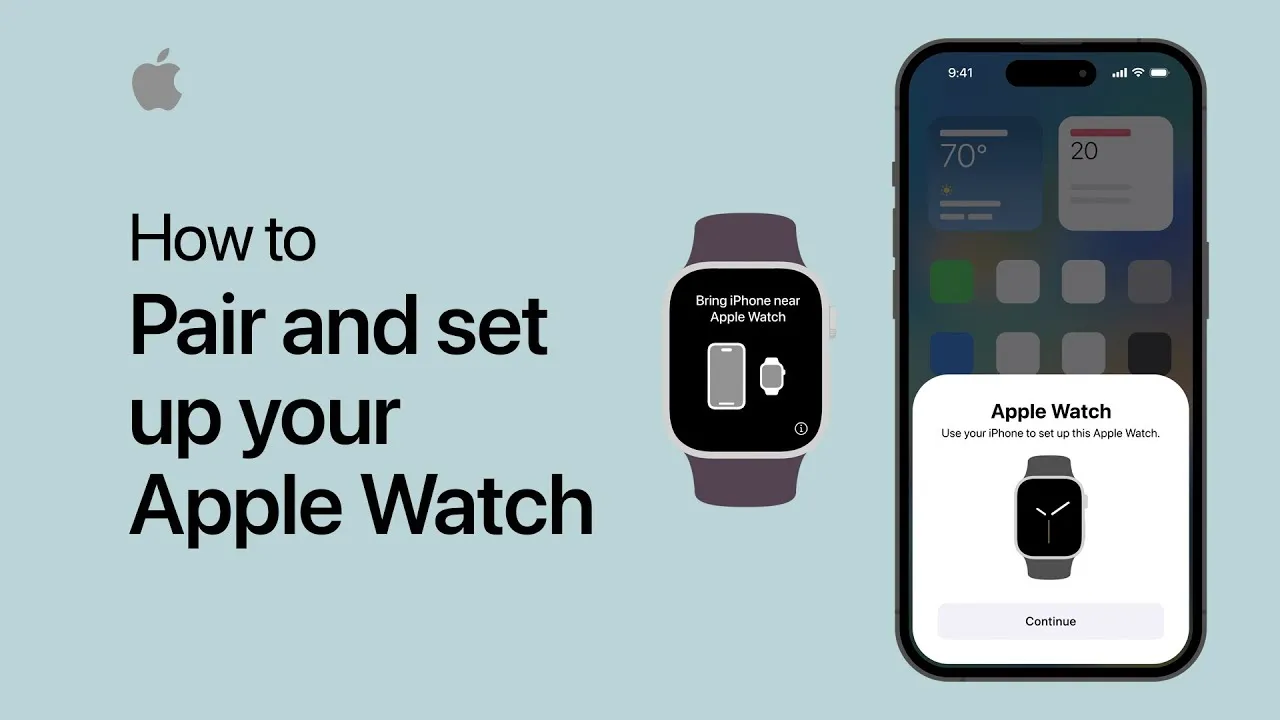
Congratulations on your new Apple Watch! Whether it's your first time or you're upgrading, setting it up is easy with this step-by-step guide. Let’s get started so you can start using your new device right away.
Before You Begin
First, make sure your iPhone is compatible. You'll need an iPhone 6s or later running iOS 14.5 or newer. Next, update your iPhone's software by going to Settings > General > Software Update. This ensures smooth communication between your devices.
Charge Your Apple Watch
Before setup, fully charge your Apple Watch by connecting it to the magnetic charger. This will give you enough power to explore its features as you set it up.
Start Setting Up
Once charged, press and hold the side button to power it on. Follow the on-screen instructions on your iPhone to pair your watch. Choose your preferred language, set up cellular (if needed), and create a passcode. Customize your settings and apps to personalize your watch.
Pairing with Your iPhone
Open the Apple Watch app on your iPhone. Start the pairing process by scanning the pairing animation on your Apple Watch screen with your iPhone's camera. Confirm the pairing, ensuring the correct device names match.
Customize Your Settings
Set your wrist preference (left or right) for proper button orientation. Next, configure activity tracking to monitor your daily fitness goals, and choose to enable or disable Siri for hands-free assistance. You can also set up Apple Pay to make contactless payments with your watch.
Explore Your Apple Watch
Once your setup is complete, you're ready to enjoy all the features of your Apple Watch. From fitness tracking to sending messages, your watch will keep you connected and help you stay on top of your day.
More from the blog
Do Employers Care If You Use a Temporary Phone Number?
If you're job hunting and thinking about using a temporary phone number, one worry usually comes up first: will an employer notice — and if they do, will it hurt my chances?The short answer: most employers don't care whether your number is "temporary," as long as it's a real, working number they can reach you on. What actually matters to them is that they can call, text, and connect with you reliably. Let's break down what employers really look at, when a temporary number is completely fine, and
Read article
Best Temporary Number Services for Online Marketplaces and Apps
Buying, selling, and signing up online almost always means sharing your phone number. Whether you're listing furniture on Facebook Marketplace, meeting a buyer from Craigslist, or verifying a new app account, that number gets passed to strangers you'll likely never deal with again.The problem? Once your real number is out there, you can't control who calls, texts, or resells it. That's exactly why temporary number services have become essential for anyone active on online marketplaces and apps.
Read article
How to Get a Temporary Phone Number for Job Applications
Job hunting means handing your phone number to recruiters, application portals, and companies you've never worked with before. Once it's out there, you can't take it back — and if you're applying to dozens of roles, that's a lot of unknown callers, spam texts, and unwanted follow-ups landing on your personal line.A temporary phone number for job applications solves this. It gives you a dedicated, disposable number that keeps your real one private while you search. Here's how to set one up and wh
Read article