MacBook vs. Windows: Which One Should You Buy in 2024?
When it comes to buying a new laptop, one of the biggest decisions you'll face is whether to go with a MacBook or a Windows laptop. Both options have their strengths and weaknesses, and the right choice for you depends on your needs, budget, and personal preferences. Let’s dive into the key factors to consider when deciding between a MacBook and a Windows laptop.
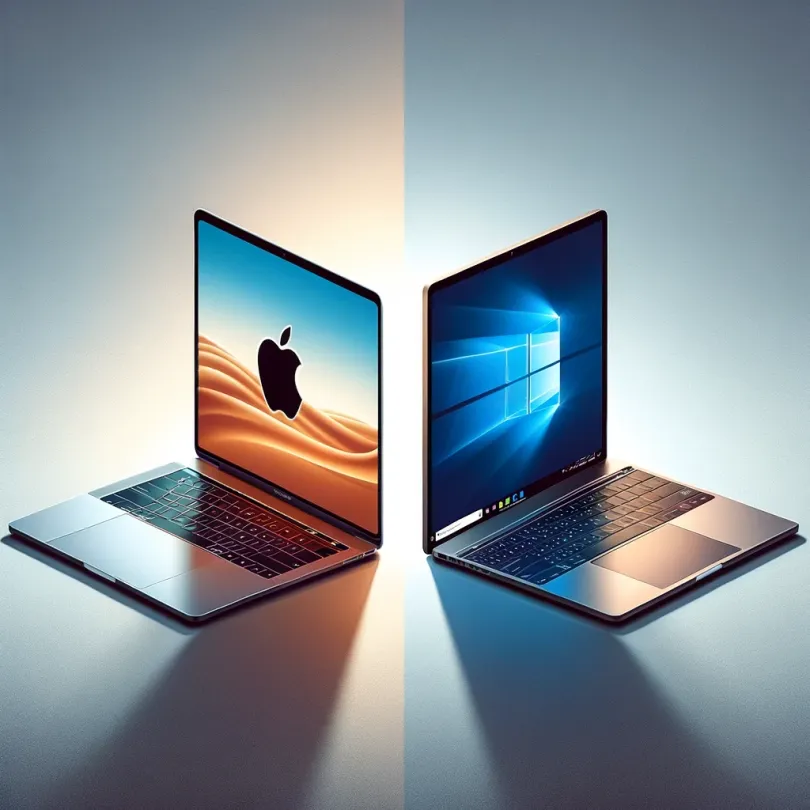
1. Operating System & Ecosystem
MacBook (macOS)
One of the main reasons people choose a MacBook is for macOS. Apple’s operating system is known for its clean, user-friendly interface and seamless integration with other Apple devices like the iPhone, iPad, and Apple Watch. If you’re already using Apple products, the MacBook fits right into that ecosystem, making file-sharing, app continuity, and syncing data across devices incredibly simple.
If you’re a fan of minimalism and prefer a system that "just works" with little need for customization, macOS might be perfect for you.
Windows
Windows, on the other hand, is the most popular operating system in the world and offers a lot more flexibility and customization options than macOS. It’s a great choice for people who enjoy tweaking their system settings and want more control over their computing experience. Windows also supports a wider range of software, especially in areas like gaming, business tools, and specialized applications.
Windows laptops can integrate with other Microsoft services like Office 365, OneDrive, and even Xbox, making it a solid choice if you're already embedded in Microsoft's ecosystem.
2. Performance & Hardware
MacBook
Apple is known for its high-quality hardware, and the MacBook lineup reflects this with sleek, durable designs. The recent switch to Apple’s M1 and M2 chips has made MacBooks incredibly powerful and energy-efficient, offering excellent performance in a compact form. MacBooks are known for their fast boot-up times, smooth operation, and long battery life.
However, MacBooks offer limited configuration options when compared to Windows laptops. If you're looking for upgradability (like swapping out RAM or storage), you might find the MacBook's closed system restrictive.
Windows
Windows laptops offer a much broader range of performance options. You can find Windows laptops with top-tier hardware for intensive tasks like video editing, 3D rendering, and high-end gaming. At the same time, you’ll find plenty of affordable models with modest performance specs for basic tasks like web browsing and document editing.
If you're someone who likes to tinker with hardware or you need a machine with specific components, a Windows laptop will offer you many more options in terms of customization, upgradability, and price.
3. Price Range
MacBook
One thing that often deters people from buying a MacBook is the price. Apple products are known for being expensive, and the MacBook is no exception. Even the entry-level models like the MacBook Air start at a higher price point compared to many Windows laptops. However, what you get with a MacBook is premium build quality, a high-resolution display, excellent battery life, and reliable performance.
If you’re willing to invest in a long-lasting, high-quality machine and you’re within Apple’s ecosystem, the price might be worth it.
Windows
Windows laptops come in a wide range of prices, from budget-friendly models to high-end ultrabooks. You can find decent Windows laptops for under $500, which is much cheaper than any new MacBook. That said, you often get what you pay for—budget Windows laptops might not have the best build quality, displays, or battery life, whereas higher-end models can match or even surpass MacBook performance at a similar or slightly lower price point.
If you’re on a budget or need a wider range of price options, Windows laptops offer much more flexibility.
4. Software & App Availability
MacBook
While macOS has a solid range of software, there are some limitations, particularly when it comes to niche or specialized programs. For instance, if you're into gaming, macOS simply doesn’t have the same game library as Windows. However, if you work in creative fields like graphic design, music production, or video editing, macOS is a great choice due to industry-standard apps like Final Cut Pro, Logic Pro, and a well-optimized version of Adobe Creative Cloud.
Windows
Windows is by far the best platform for gaming and offers compatibility with a much broader range of software, including professional, business, and technical applications. If your work involves highly specialized programs or if you’re a gamer, a Windows laptop is a no-brainer. Plus, many companies still design their software for Windows first, so you’ll rarely have issues finding compatible apps.
5. Design & Build Quality
MacBook
Apple is known for its premium design, and the MacBook is a perfect example. MacBooks are made from high-quality aluminum, making them not only visually appealing but also durable. The Retina display on MacBooks is sharp, bright, and offers excellent color accuracy, making it a favorite among creative professionals.
Windows
With Windows laptops, the design and build quality can vary widely. Some models, like the Dell XPS or Microsoft Surface, offer designs that rival or even surpass the MacBook in terms of aesthetics and quality. However, lower-end models may feel cheap or flimsy. The advantage of Windows laptops is that you can find a design that fits your personal taste and needs, whether you want something ultra-slim, rugged, or highly portable.
6. Longevity and Resale Value
MacBook
MacBooks tend to last longer than the average Windows laptop, both in terms of performance and physical build. Apple’s control over both the hardware and software ensures that macOS updates run smoothly on older devices for several years. In addition, MacBooks have a higher resale value, meaning you can recoup more of your investment when it’s time to upgrade.
Windows
Windows laptops don’t hold their value quite as well, but many models can still last a long time if well taken care of. The wide variety of hardware manufacturers means that the longevity of a Windows laptop can depend on the brand and model. In general, however, you can expect to pay less upfront, which balances out the lower resale value.
Conclusion: Which Should You Choose?
Ultimately, the choice between a MacBook and a Windows laptop depends on what you need:
- Choose a MacBook if:You’re already in the Apple ecosystem, prioritize design and build quality, need a laptop for creative work, or want a machine that’s reliable and lasts long.
- Choose a Windows laptop if:You need a wider range of price options, want more customization, are into gaming, or need a laptop for specialized software that’s more commonly available on Windows.
Whether you go for a MacBook or a Windows laptop, both platforms have their strengths. The best choice depends on your personal needs, budget, and the kind of work or play you intend to do with your new device. Happy shopping!
More from the blog

Do Employers Care If You Use a Temporary Phone Number?
If you're job hunting and thinking about using a temporary phone number, one worry usually comes up first: will an employer notice — and if they do, will it hurt my chances?The short answer: most employers don't care whether your number is "temporary," as long as it's a real, working number they can reach you on. What actually matters to them is that they can call, text, and connect with you reliably. Let's break down what employers really look at, when a temporary number is completely fine, and
Read article
Best Temporary Number Services for Online Marketplaces and Apps
Buying, selling, and signing up online almost always means sharing your phone number. Whether you're listing furniture on Facebook Marketplace, meeting a buyer from Craigslist, or verifying a new app account, that number gets passed to strangers you'll likely never deal with again.The problem? Once your real number is out there, you can't control who calls, texts, or resells it. That's exactly why temporary number services have become essential for anyone active on online marketplaces and apps.
Read article
How to Get a Temporary Phone Number for Job Applications
Job hunting means handing your phone number to recruiters, application portals, and companies you've never worked with before. Once it's out there, you can't take it back — and if you're applying to dozens of roles, that's a lot of unknown callers, spam texts, and unwanted follow-ups landing on your personal line.A temporary phone number for job applications solves this. It gives you a dedicated, disposable number that keeps your real one private while you search. Here's how to set one up and wh
Read article